Building or renovation site
Visible job site, interior renovation, demolition, or façade work
Check the building-permit and after-hours-work system for your city.
Construction-noise workflow
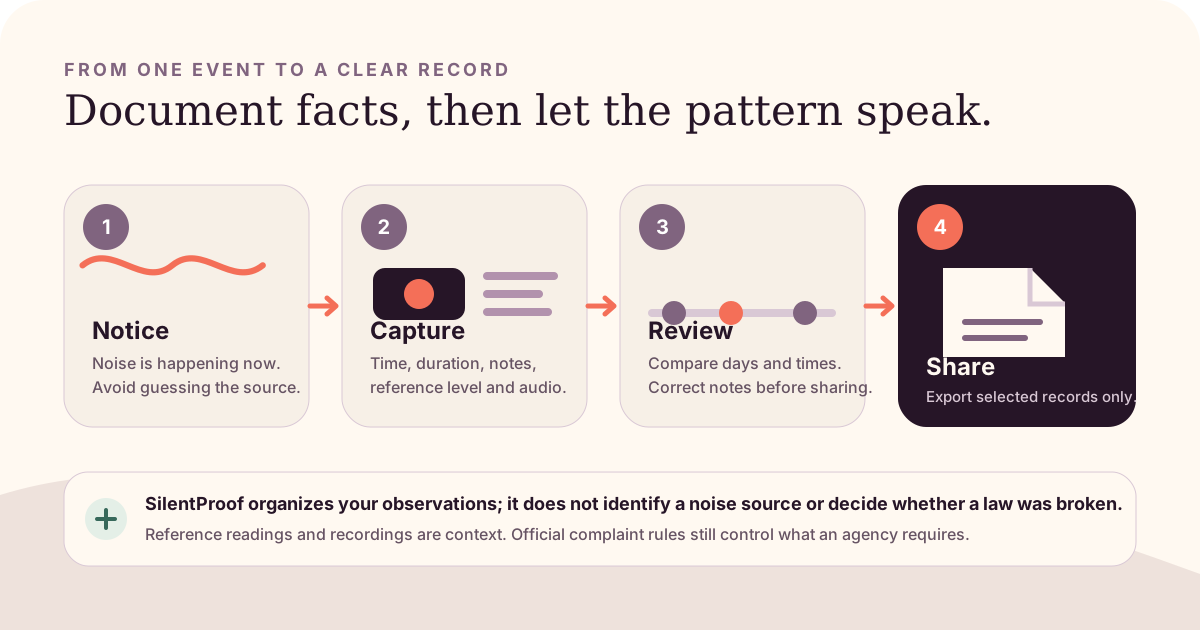
Record the work type, site, time, duration, and permit context before choosing an official form. Authorized hours and complaint routes differ by city, project, permit, and emergency status.
Building construction, street work, utility repair, and emergency work may go to different departments. Observe only from a lawful, safe location. Do not enter a work zone, interfere with workers, or handle posted permits.
Visible job site, interior renovation, demolition, or façade work
Check the building-permit and after-hours-work system for your city.
Road plates, excavation, utility markings, agency or contractor vehicles
Use the street, utility, or public-works category—not automatically a building form.
Active utility failure, public-safety response, flooding, or urgent repair
Check whether emergency exceptions apply before describing the work as unauthorized.
Machinery is audible but the site cannot be safely identified
Record the affected address and perceived direction; do not guess a contractor or property.
A phone dB value is secondary. The time, project location, work type, and authorization question often determine which official route applies.
Do not state that work is illegal merely because it is early, late, or loud. An after-hours permit, emergency exception, or different source category may apply.
Clearly labeled city example
NYC DEP’s officialconstruction-noise rules pagesays construction is normally allowed from 7 a.m. to 6 p.m. on weekdays. Work at other times, including weekends, generally requires after-hours authorization.
NYC Department of Buildings provides anAfter Hours Variance mapwhere residents can check locations authorized for work outside normal hours. Finding a variance does not answer every noise question; open the project record to review the specific authorized hours.
These hours and links apply to New York City. Do not copy them into a complaint in another jurisdiction. Use the official building, environmental, public-works, or non-emergency source for your location.
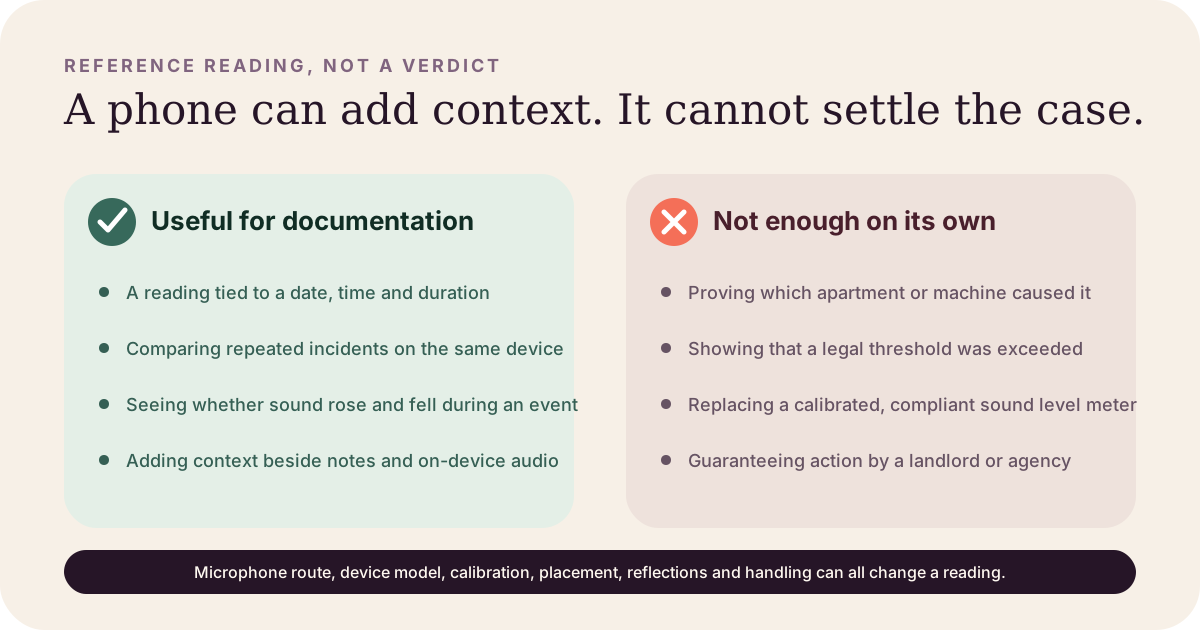
A reference sound timeline can show that an event rose and fell during the time you logged it. It cannot identify the contractor, establish permit status, reproduce an inspector’s measurement, or prove that a numerical code limit was exceeded.
When enforcement depends on a specified meter, location, weighting, or test method, the responsible agency or a qualified acoustical professional must make that measurement. See our guide toiPhone reading limits.
Review the sourced NYC guideSilentProof keeps an iPhone incident’s timestamps, reference sound timeline, location context, optional audio, and your notes together. You can export a PDF summary for a property manager or official follow-up. Data stays on-device by default; free includes unlimited incident recording and one PDF export.
SilentProof does not check permits, certify measurements, identify a site, submit a city request, provide legal advice, or guarantee inspection or enforcement.
Free to start. Your records stay on your phone until you choose to share.